Poster
Poster image component that stays visible until playback starts
Anatomy
Import the component:
<Poster src="poster.jpg" alt="Video preview" /><media-poster>
<img src="poster.jpg" alt="Video preview" />
</media-poster>Behavior
The poster is visible before playback starts. Once the user plays or seeks, the poster hides permanently — pausing does not bring it back. The poster reappears when a new source is loaded.
Styling
Style the poster with the [data-visible] attribute:
media-poster:not([data-visible]) {
  display: none;
}
You control the child <img> — this means srcset, sizes, loading="lazy", and framework image components all work naturally.
Accessibility
Unlike the native <video poster> attribute, this component allows you to provide accessible text alternatives for screen readers via the alt attribute on your child <img>. This means you can describe the poster image (e.g., alt="Keynote speaker at a conference") or mark it as decorative with alt="" if it doesn’t convey meaningful information.
Examples
Basic Usage
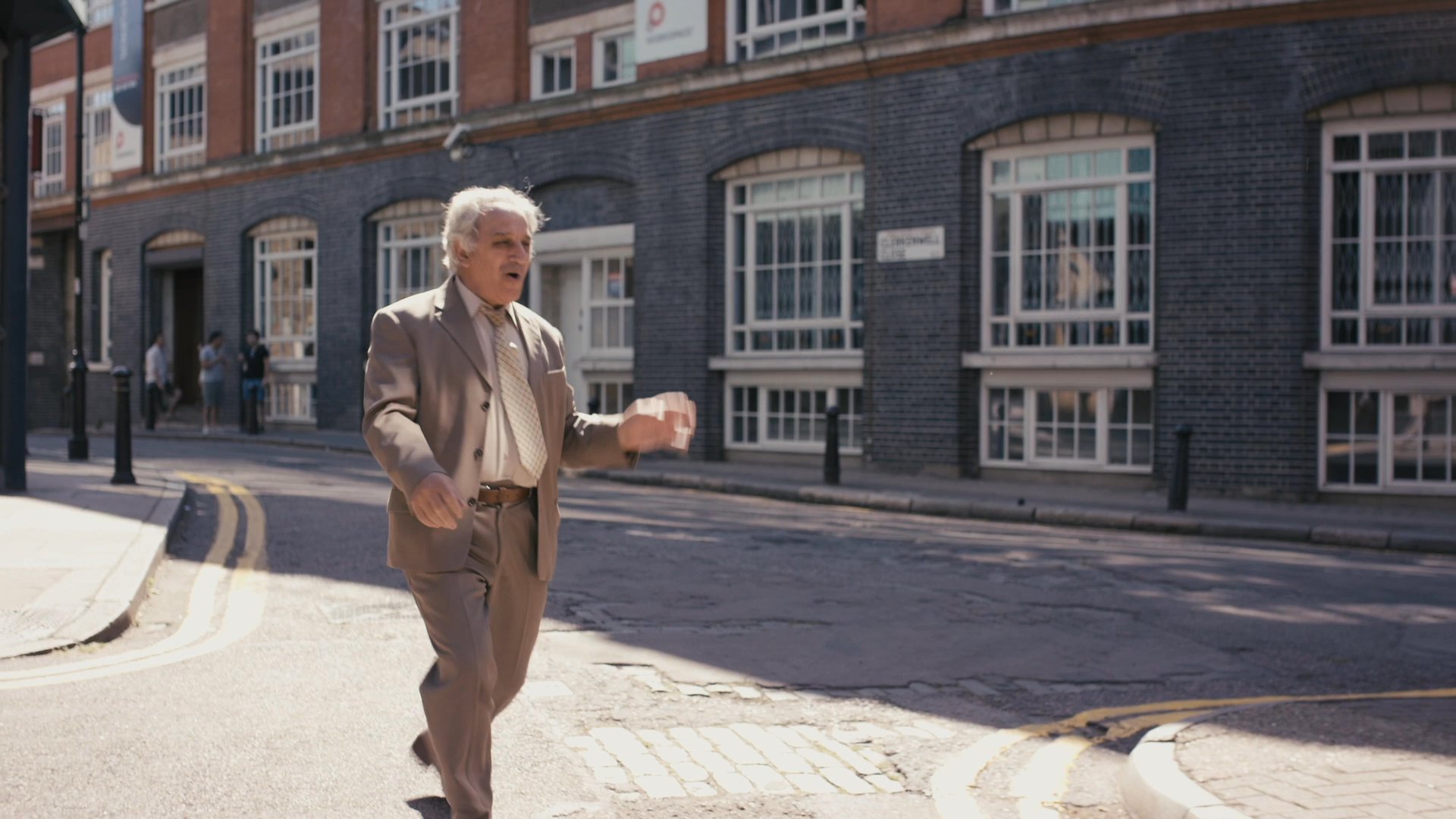
import { createPlayer, features, PlayButton, Poster, Video } from '@videojs/react';

import './BasicUsage.css';

const Player = createPlayer({ features: [...features.video] });

export default function BasicUsage() {
  return (
    <Player.Provider>
      <Player.Container className="react-poster-basic">
        <Video src="https://stream.mux.com/lhnU49l1VGi3zrTAZhDm9LUUxSjpaPW9BL4jY25Kwo4/highest.mp4" playsInline />

        <Poster
          className="react-poster-basic__poster"
          src="https://image.mux.com/lhnU49l1VGi3zrTAZhDm9LUUxSjpaPW9BL4jY25Kwo4/thumbnail.jpg"
        />

        <PlayButton
          className="react-poster-basic__button"
          render={(props, state) => <button {...props}>{state.paused ? 'Play' : 'Pause'}</button>}
        />
      </Player.Container>
    </Player.Provider>
  );
}
.react-poster-basic {
  position: relative;
}

.react-poster-basic video {
  width: 100%;
}

.react-poster-basic__poster {
  position: absolute;
  inset: 0;
  width: 100%;
  height: 100%;
  object-fit: cover;
  pointer-events: none;
  transition: opacity 0.25s;
}

.react-poster-basic__poster:not([data-visible]) {
  opacity: 0;
}

.react-poster-basic__button {
  position: absolute;
  bottom: 10px;
  left: 10px;
  padding-block: 8px;
  background: rgba(255, 255, 255, 0.75);
  backdrop-filter: blur(10px);
  color: black;
  border: 1px solid rgba(255, 255, 255, 0.25);
  border-radius: 9999px;
  padding-inline: 16px;
  cursor: pointer;
}
<video-player class="html-poster-basic">
    <video
        src="https://stream.mux.com/lhnU49l1VGi3zrTAZhDm9LUUxSjpaPW9BL4jY25Kwo4/highest.mp4"
        playsinline
    ></video>

    <media-poster class="html-poster-basic__poster">
        <img
            src="https://image.mux.com/lhnU49l1VGi3zrTAZhDm9LUUxSjpaPW9BL4jY25Kwo4/thumbnail.jpg"
        />
    </media-poster>

    <media-play-button class="html-poster-basic__button">
        <span class="show-when-paused">Play</span>
        <span class="show-when-playing">Pause</span>
    </media-play-button>
</video-player>
.html-poster-basic {
  display: block;
  position: relative;
}

.html-poster-basic video {
  width: 100%;
}

.html-poster-basic__poster {
  position: absolute;
  inset: 0;
  pointer-events: none;
  transition: opacity 0.25s;
}

.html-poster-basic__poster:not([data-visible]) {
  opacity: 0;
}

.html-poster-basic__poster img {
  width: 100%;
  height: 100%;
  object-fit: cover;
}

.html-poster-basic__button {
  position: absolute;
  bottom: 10px;
  left: 10px;
  padding-block: 8px;
  background: rgba(255, 255, 255, 0.75);
  backdrop-filter: blur(10px);
  color: black;
  border: 1px solid rgba(255, 255, 255, 0.25);
  border-radius: 9999px;
  padding-inline: 16px;
  cursor: pointer;
}

.html-poster-basic__button .show-when-paused,
.html-poster-basic__button .show-when-playing {
  display: none;
}

.html-poster-basic__button[data-paused] .show-when-paused {
  display: inline;
}

.html-poster-basic__button:not([data-paused]) .show-when-playing {
  display: inline;
}
import '@videojs/html/video/player';
import '@videojs/html/ui/play-button';
import '@videojs/html/ui/poster';
API Reference
State
render, className, and style props.
| Property | Type | |
|---|---|---|
visible | boolean |
Data attributes
| Attribute | Description |
|---|---|
data-visible | - |